
Knowing how a DUBBIA Bio Page can benefit your streaming channel, social media profiles, podcasts & others growth and expansion, here you’ll be able to see step by step on how to setup & launch your DUBBIA bio page seamlessly and in a few super easy steps.
To put it simply, DUBBIA acts as a link hub, a secondary backup link hub for your viewers & subscribers to access all of your online assets such as alternative channels. support links, social media profiles and others with one simple and easy to remember customized URL & QR code that can be implemented directly on your profile pages & all other assets anywhere any time YouTube Ex: About tab & video description for easy access. The QR code can also be embedded into your videos for more than 50% of viewers watching on large screen TVs to access your web assets quickly and easily. This will increase video views as well as subscription rate!
Knowing how a DUBBIA Bio Page can benefit your streaming channel, social media profiles, podcasts & others growth and expansion, here you’ll be able to see step by step on how to setup & launch your DUBBIA bio page seamlessly and in a few super easy steps.
To put it simply, DUBBIA acts as a link hub, a secondary backup link hub for your viewers & subscribers to access all of your online assets such as alternative channels. support links, social media profiles and others with one simple and easy to remember customized URL & QR code that can be implemented directly on your profile pages & all other assets anywhere any time YouTube Ex: About tab & video description for easy access. The QR code can also be embedded into your videos for more than 50% of viewers watching on large screen TVs to access your web assets quickly and easily. This will increase video views as well as subscription rate!
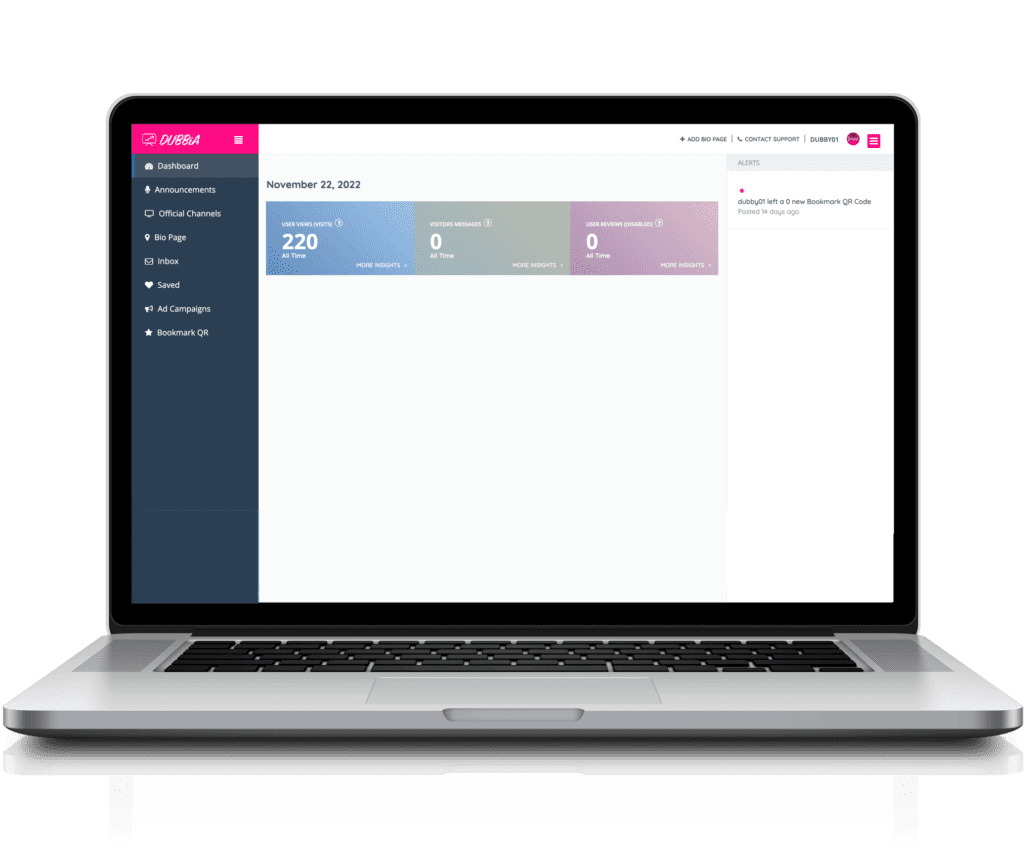
User Dashboard Demo
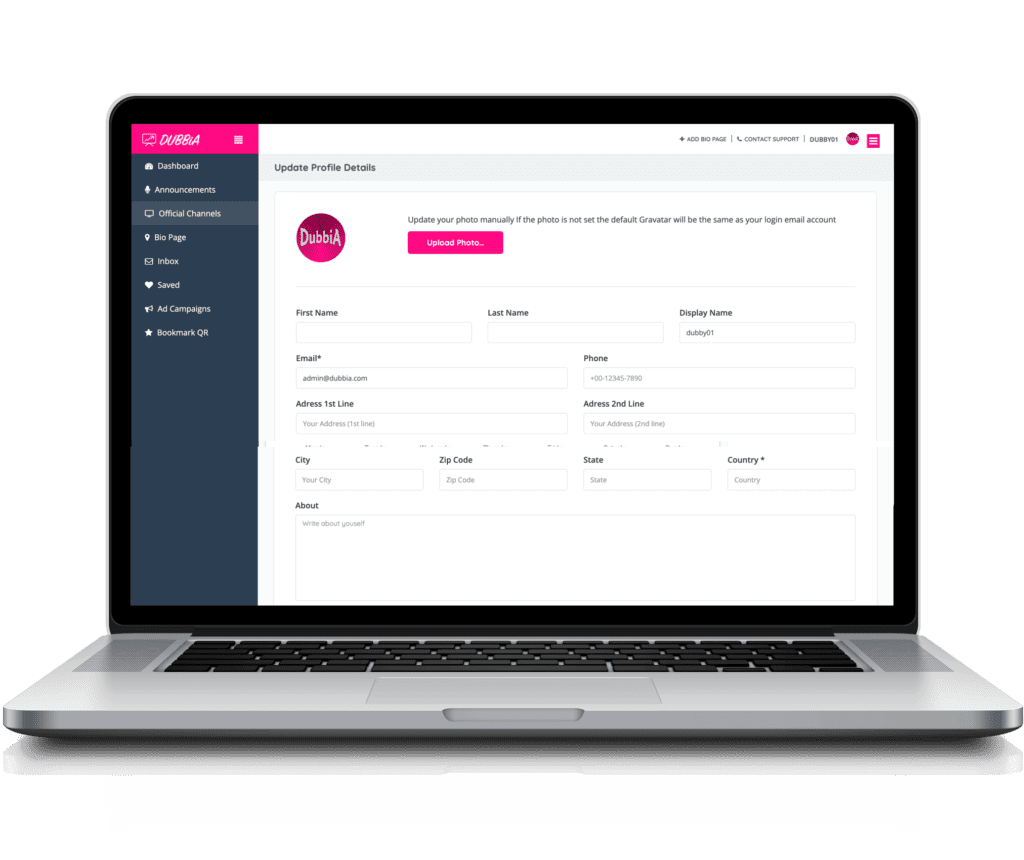
User Profile Demo
- Click on Add Bio Page button
- Select subscription plan
- Fill in bio page information Ex: bio page name, tag line, detail description, website, social media links, images…
- Next, you’ll be redirected to your bio page pending page
- Click on Pay Now & you’ll be redirected to select payment method page
- After payment is made, you’ll be redirected back to DUBBIA website (you’ll receive email notifications)
- Your bio page is now pending moderation and will be reviewed by a moderator
- Once your bio page is approved and published, you’ll receive email an notification
- Now you can log in, go to your User Dashboard
- On User Dashboard, you’ll be able to add your Official Channels links, Support/donation URLs, add announcements, copy your dedicated QR code. your DUBBIA URL & more!
- Your User Dashboard access allow you to view your bio page statistics, make unlimited changes to the details of your bio page, add, edit or delete while your bio page payment is up to date
- Your User Profile is also accessible via User Dashboard for password changes, changing logo…
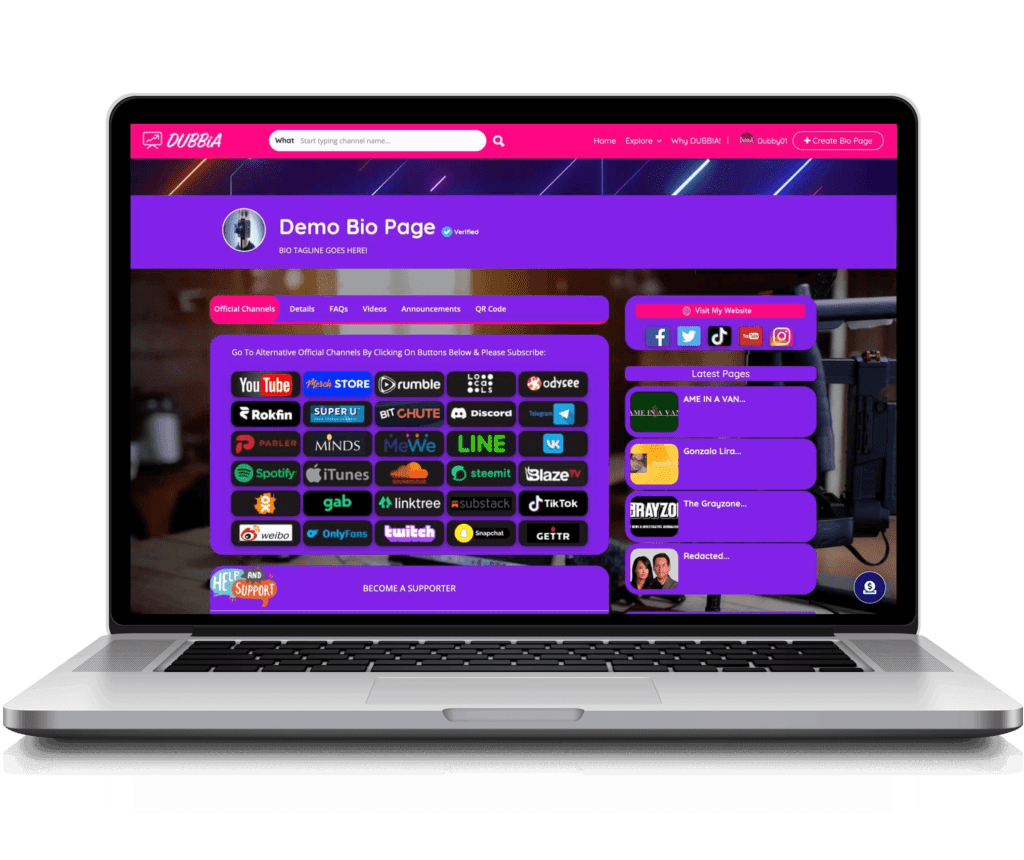
Example of a typical dedicated bio page (Laptop, desktop & large screen TV devices):
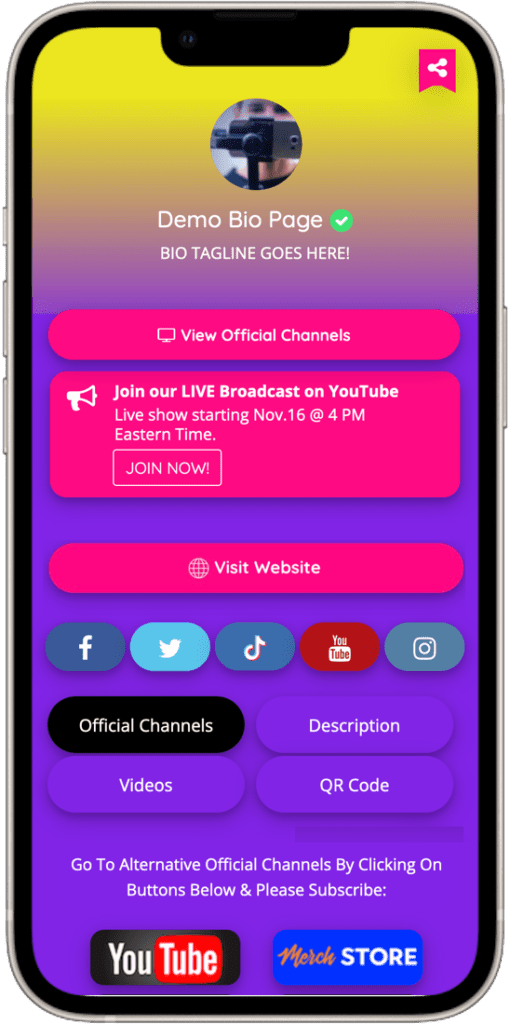
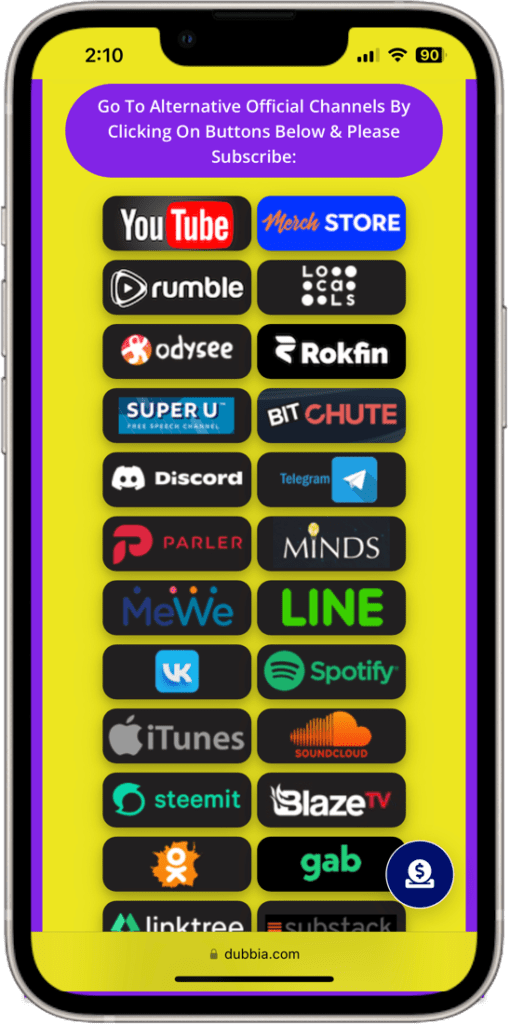
Examples of a typical dedicated bio page page (Mobile devices):
For help or to learn more about how to use your User Dashboard functionalities visit Help-Knowledge Base page:
DUBBIA! The Best Content Creators Centralized Link Hub Platform
DUBBIA! The Best Content Creators Centralized Link Hub Platform
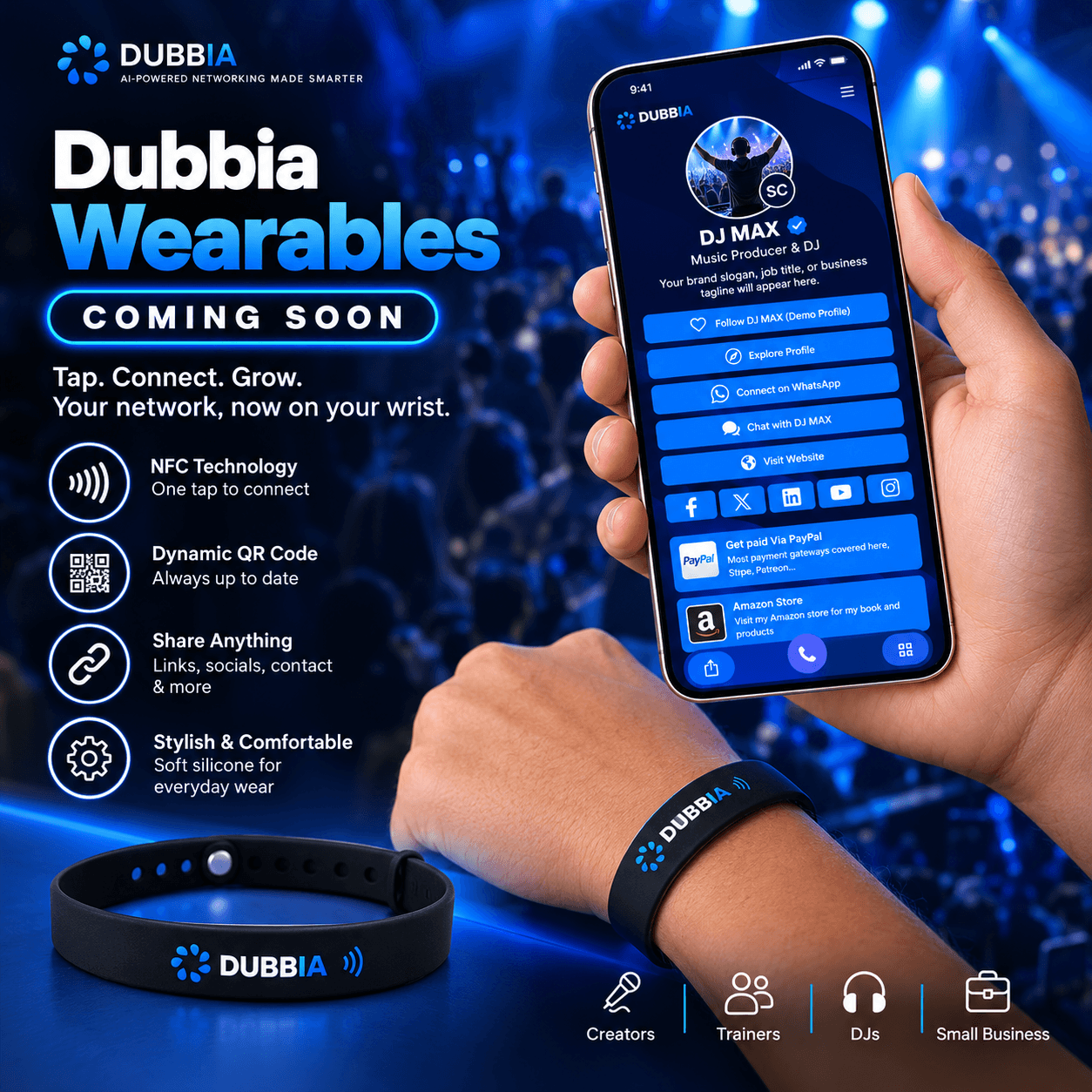
Try the Dubbia Mobile Experience
Scan the QR code with your smartphone camera to open the mobile-friendly digital business card demo. Or use the Desktop / Mobile toggle to preview it right here.